Searching References
Search 6 academic databases simultaneously to find papers and add them to your bibliography — manually or via the AI pipeline.
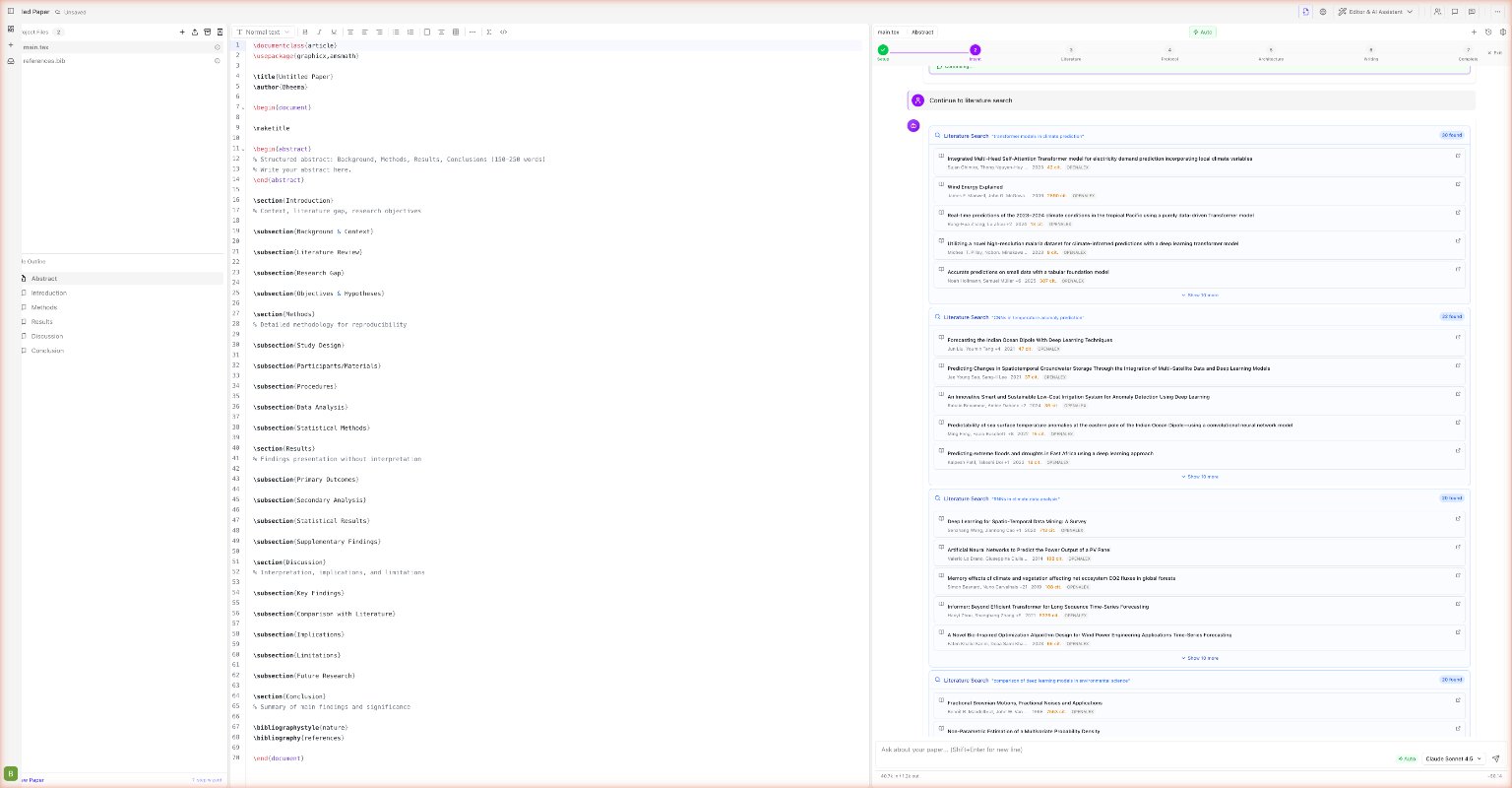
Scriptora AI offers two ways to find and add references: the References sidebar for manual search, and the AI pipeline which runs automated multi-database searches as part of Stage 3 of the creation workflow.
Manual search (References sidebar)
Click the References tab in the left sidebar (bookmark icon).
Enter a paper title, author name, keyword phrase, or DOI. Scriptora queries all six databases in parallel.
Each result shows the title, authors, year, source badge, citation count, and open-access indicator.
Click + Add to .bib next to any result. The BibTeX entry is appended to your main .bib file immediately.
Database coverage
| Badge | Database | Coverage |
|---|---|---|
arXiv | arXiv.org | Preprints in CS, physics, math, biology |
OA | OpenAlex | 250M+ scholarly works, open metadata |
PubMed | MEDLINE / PubMed | Biomedical and life sciences |
S2 | Semantic Scholar | AI-powered, 200M+ papers |
CR | CrossRef | DOI registry, journal articles |
CORE | CORE.ac.uk | Open access full text |
Results are deduplicated automatically — if the same paper appears in multiple databases, you see it once.
Adding a reference by DOI or arXiv ID
- Click the BookPlus icon in the sidebar toolbar (or ask the AI: "Add the paper with DOI 10.1038/s41586-021-03819-2")
- Paste a DOI like
10.1145/3290605.3300362or an arXiv ID like2301.07041 - Scriptora fetches metadata from CrossRef or arXiv API
- Click Add to .bib — the entry is inserted as a properly formatted
@articleor@miscblock
Sorting and filtering results
Use the sort control at the top of the results list:
| Sort option | Description |
|---|---|
| Relevance | Default — AI-ranked by semantic match to your query |
| Citation count | Most cited first |
| Year | Newest first |
AI-assisted literature search (pipeline Stage 3)
When running the 7-stage creation pipeline, Stage 3 performs a fully automated literature search:
- The AI generates 3–5 targeted search queries from your research question
- Each query runs across all 6 databases in parallel
- Results stream into the chat panel grouped by query
- You review the results and select the papers to include (typically 8–15)
- Click Continue with N selected papers to advance to Stage 4
The selected papers are automatically added to references.bib and used as the evidence base for all subsequent writing stages.
Deselect papers that are only tangentially related to your specific question. The AI writes more focused content when given a curated, relevant set rather than every result.
Asking the AI to search
You can also trigger a literature search directly from the chat:
Search for the top 5 recent papers on contrastive self-supervised learning
and add the best ones to my references.
The AI will search, display results in the chat, and — with your approval — append BibTeX entries to references.bib and insert \cite{} commands in the relevant section.